Tool
Virtual Hair Color Try On
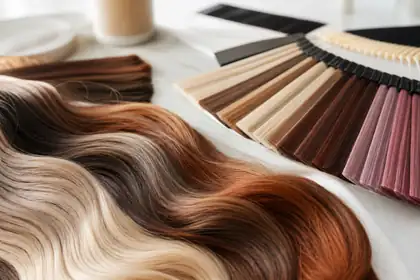
Compare blonde, brunette, copper, red, pastel, and deeper shades before you talk to a stylist.
Start Hair Color Quiz Read the guide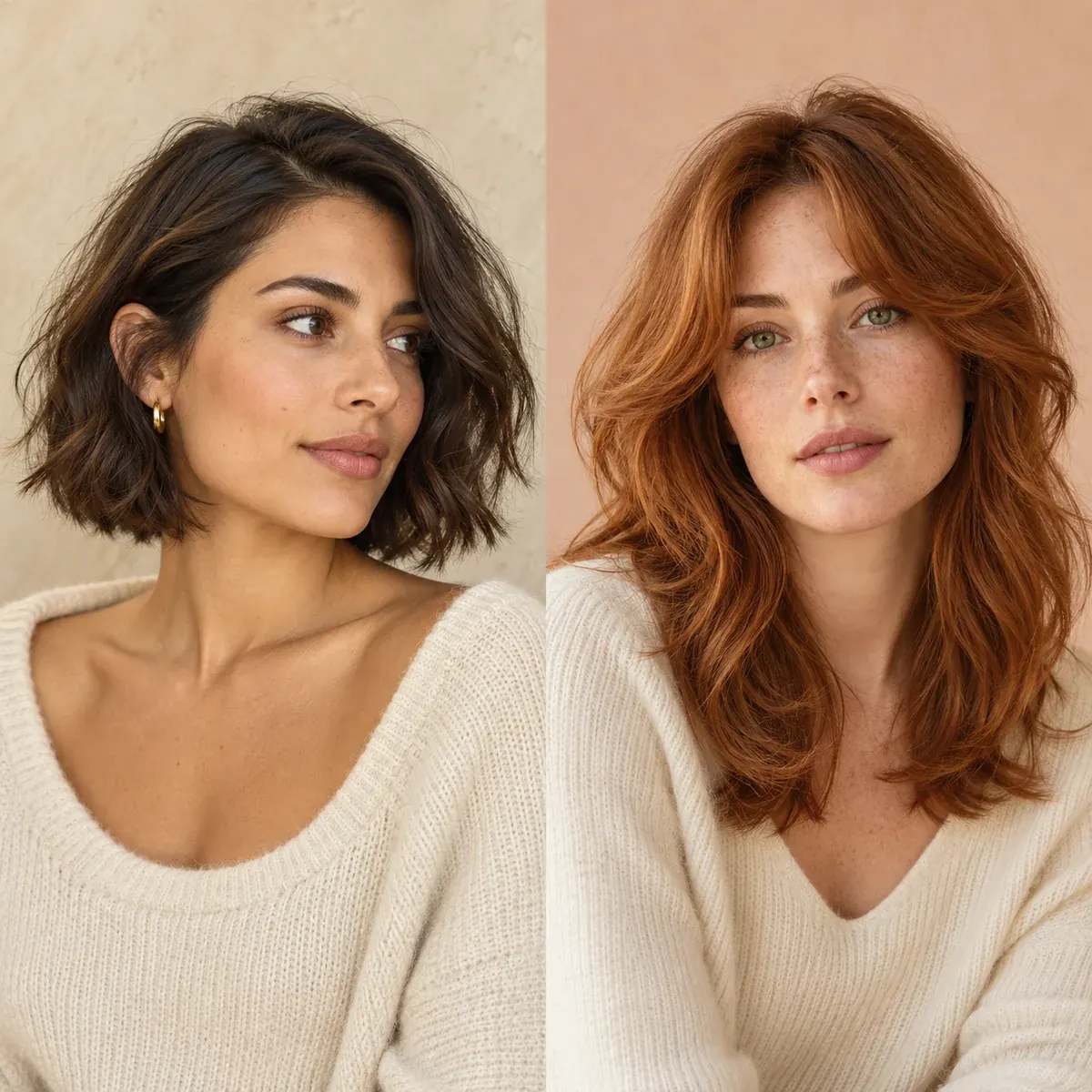
YOUR NEXT LOOK STARTS HERE
Explore haircut ideas and try on styles in the hairstyle quiz. Use the preview as a starting point for your next salon conversation.
Try ideas visually
Choose a quiz, follow the photo guidance, and explore ideas for your next look.
Tool
Compare blonde, brunette, copper, red, pastel, and deeper shades before you talk to a stylist.
Start Hair Color Quiz Read the guideTool
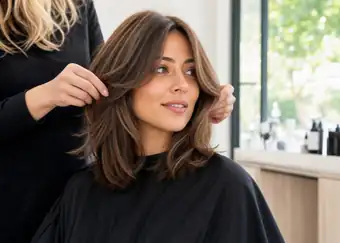
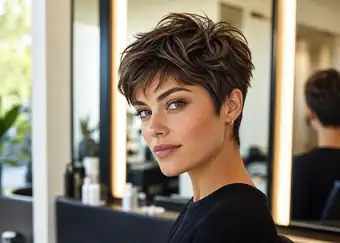
Test short cuts, bobs, bangs, layers, and longer styles before you change the shape.
Start Hairstyle Quiz Read the guideTool
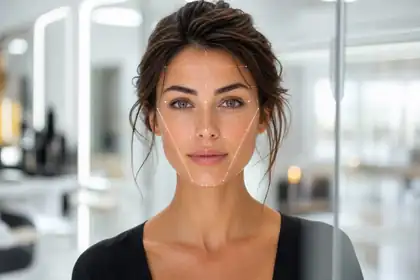
Explore your face shape and use the result to compare bangs, layers, and volume.
Start Face Shape Quiz Read the guideStart with the result you want
Check undertone, contrast, season, and upkeep before you choose a shade family.
Explore guides Hairstyles & HaircutsBrowse cuts by length, feature, upkeep, and how much change you want.
Explore guides Face Shape HairstylesUse face shape to place bangs, layers, volume, and parting in a more flattering way.
Explore guidesVisual guide library
Use these pages when you want examples, not just theory: cuts, bangs, seasonal color, and face-shape ideas.
Useful pages
How to use the site
Start with the hairstyle quiz to explore a new cut.
Use the quiz and preview to compare hairstyle ideas.
Bring your preferred ideas to a stylist and discuss texture, upkeep, and feasibility.
Quick answers
A few things to know before you try a new look.
Hair Stylist Pro helps you explore hairstyles and hair colors before making a change. Start with a quiz, compare virtual previews, or browse our guides for ideas to discuss with your stylist.
Answer questions about your hair and preferences, then follow the photo instructions in the quiz. You can explore haircut recommendations and try-on options to help you choose a direction for your next cut.
Yes. Choose the Hair Color Quiz to explore shades and virtual color previews. Compare a subtle change with a bolder option before deciding what to discuss at your next salon visit.
A photo is needed to preview a hairstyle or hair color on yourself. Use a clear, well-lit photo with your face visible, and follow the guidance in the quiz. You can browse our hair guides without uploading a photo.
Hair guides are free to read. Personalized analyses and try-ons are paid features. Check the price and any subscription terms shown at checkout before purchasing.
Open the app and use the same email address you entered when you purchased. If you need help accessing your account, contact support. Log in to the app.
If you choose a subscription, it renews according to the terms shown at checkout unless you cancel. Check your purchase confirmation for your plan and renewal details.
Log in to the app and manage your subscription in your account. You can also contact support for help with cancellation. How to cancel.
Use our contact page for questions about your account, purchase, or results. Include the email address you used for your purchase so we can find your account. Contact support.
A virtual preview is a visual guide, not a promise of an exact result. Your starting color, texture, haircut, lighting, and styling can all affect how a look translates to your hair.